Dokumentácia
Features, use cases, knowledge base
Features, use cases, knowledge base
Tags help you organize and categorize your links for easier management and analytics.
You can create an unlimited number of tags and assign multiple tags to each link, allowing you to group links by various criteria when viewing them or analyzing click data.
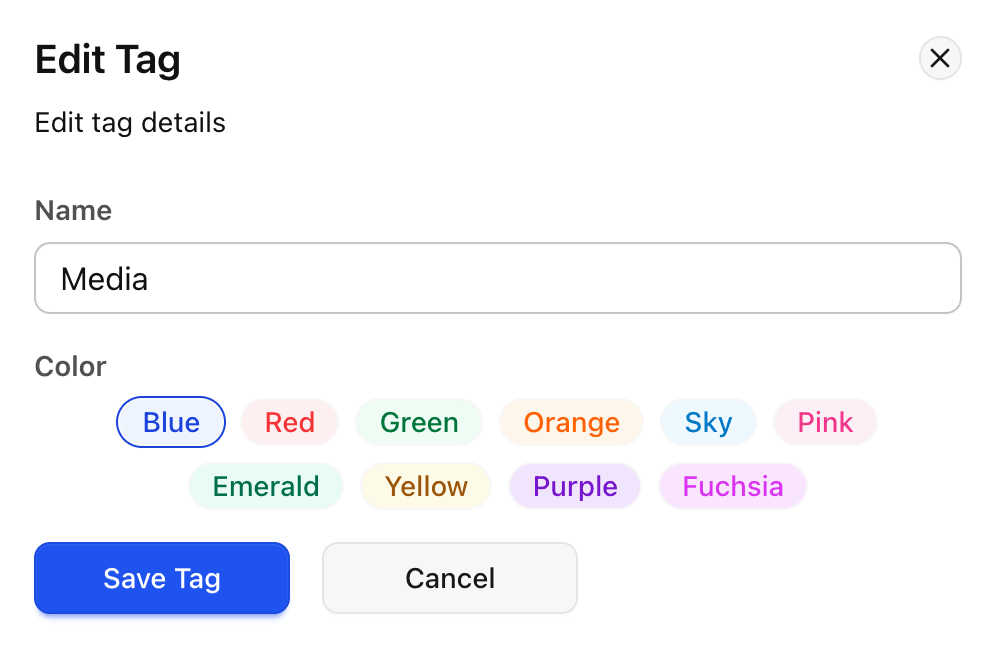
To start, create tags in the tag manager.
Each tag must have a unique name and may include an optional color for easier visual identification.
Tags can be added, renamed, or deleted at any time.
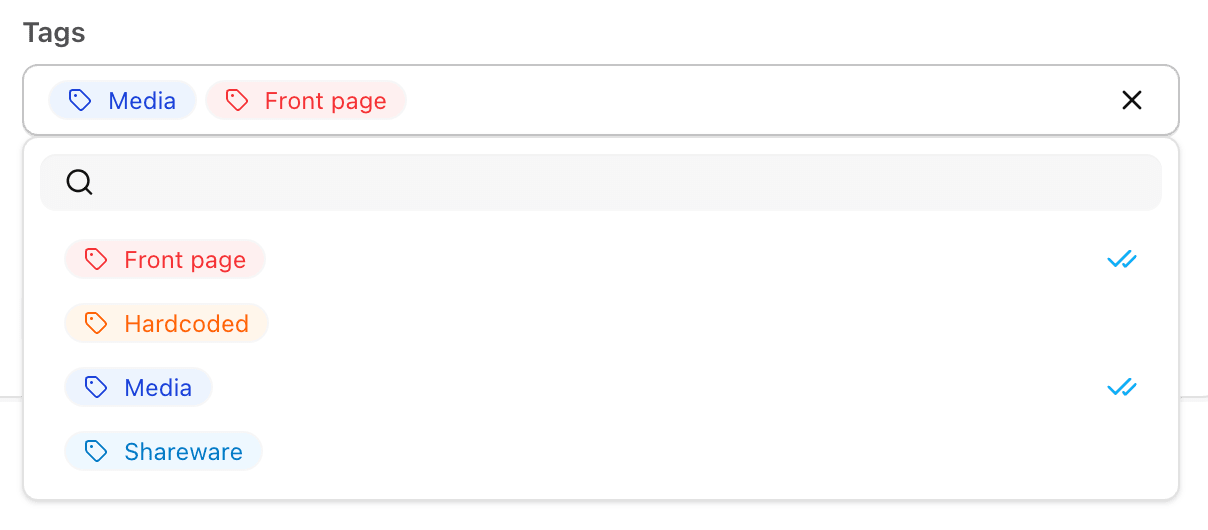
You can assign tags to a link when creating or editing it:
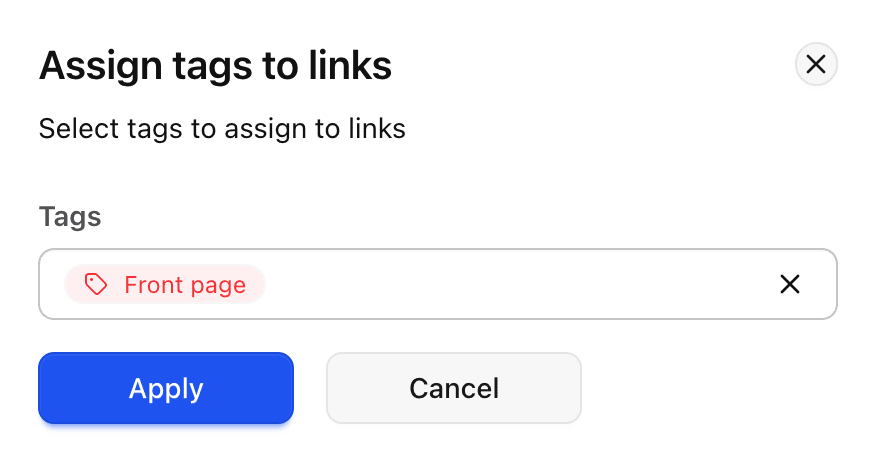
Alternatively, you can select multiple links from the list and assign one or more tags to all selected links at once:
Using tags consistently helps you quickly filter, search, and organize links - making it easier to track performance across campaigns, platforms, or audiences.
Note: Folders and tags serve different purposes: folders are best for broad organization and hierarchy, while tags provide flexible labeling, allowing a link to belong to multiple categories at once. Using both together gives maximum control over link management.