Dokumentácia
Features, use cases, knowledge base
Features, use cases, knowledge base
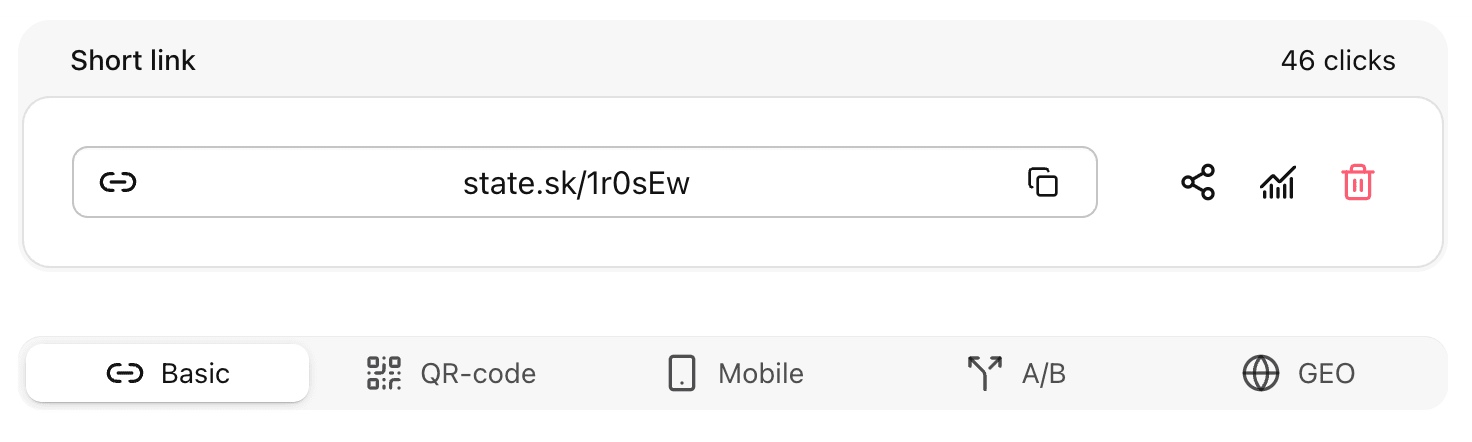
Navigate to the list of short links and click on the link you want to edit.
At the top, you will see the clickable short link URL, total number of clicks, and action buttons:
copy, share, analytics, delete.
The editing page consists of 5 tabs:
The Basic tab contains the same fields as Create Link.
You can change any field without restrictions:
| Field | Description | Required |
|---|---|---|
| Original URL | The long link you want to shorten. | ✅ |
| Domain | e.g., state.sk, your custom domain, or a personal subdomain. | ✅ |
| Slug | The final part of the short URL (e.g., state.sk/my-link). If left blank, it’s generated automatically. | |
| Title | A label for your link (helpful for organization and search). Automatically fetched if empty. | |
| Folder | Assign the link to a specific folder for better organization. | |
| Tags | Add existing tags to categorize the link. |
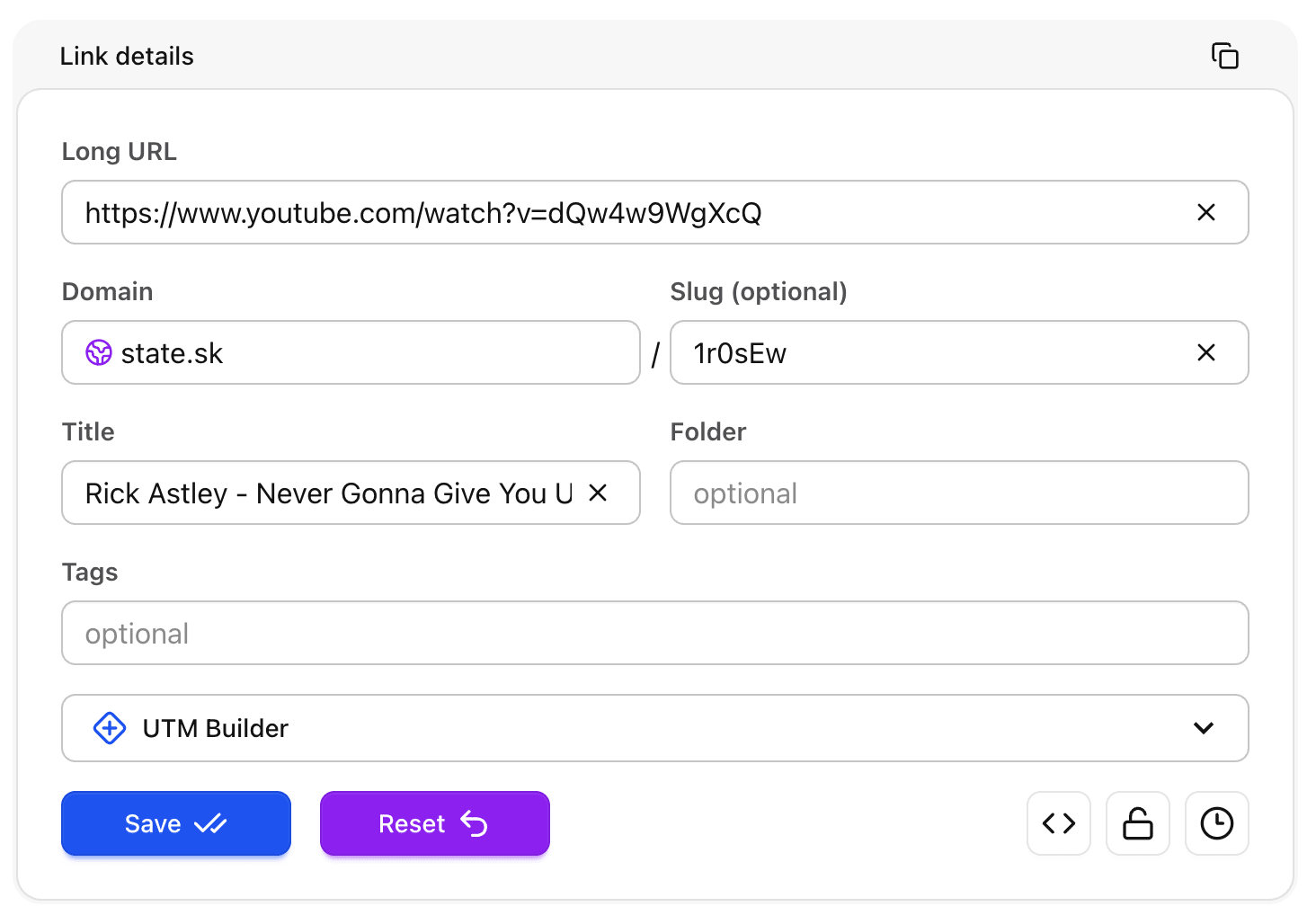
While you can change everything, it’s not recommended to modify the slug if the link has already been shared and received clicks.
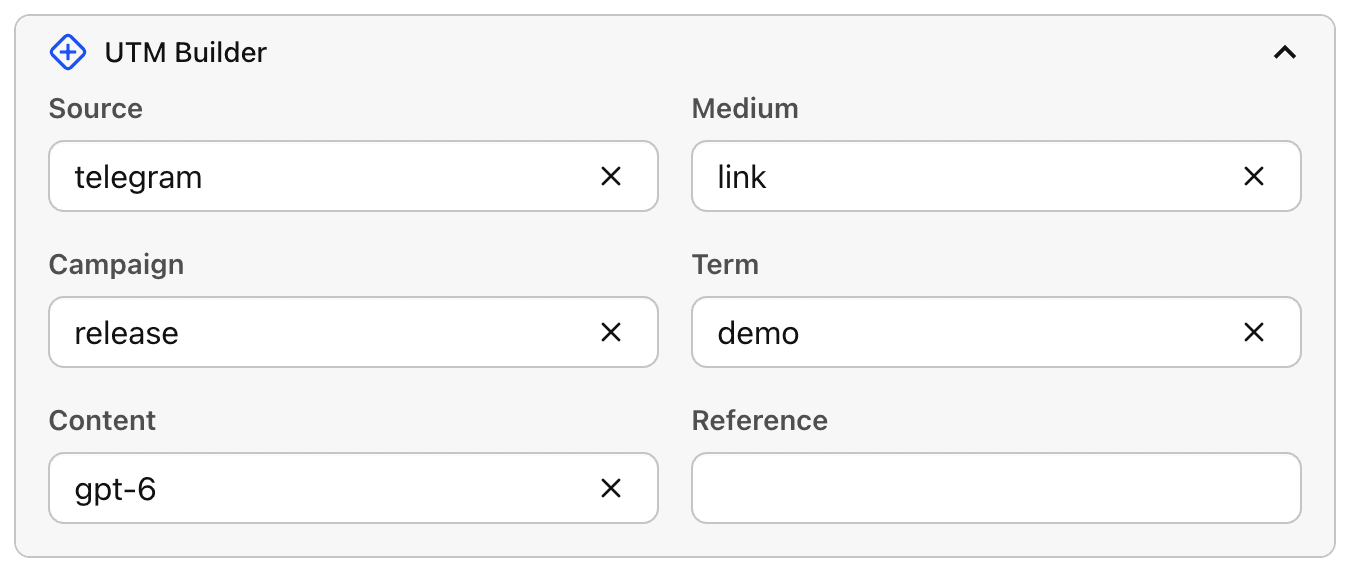
| Field | Purpose |
|---|---|
| UTM Source | Identifies where traffic comes from (e.g., facebook, newsletter). |
| UTM Medium | Defines the marketing channel (e.g., social, email, cpc). |
| UTM Campaign | Specifies the campaign name (e.g., black-friday, launch). |
| UTM Term | Used to track paid keywords or search terms. |
| UTM Content | Distinguishes between ads or creative variations. |
| UTM Reference | Custom tracking field (useful for referral programs). |
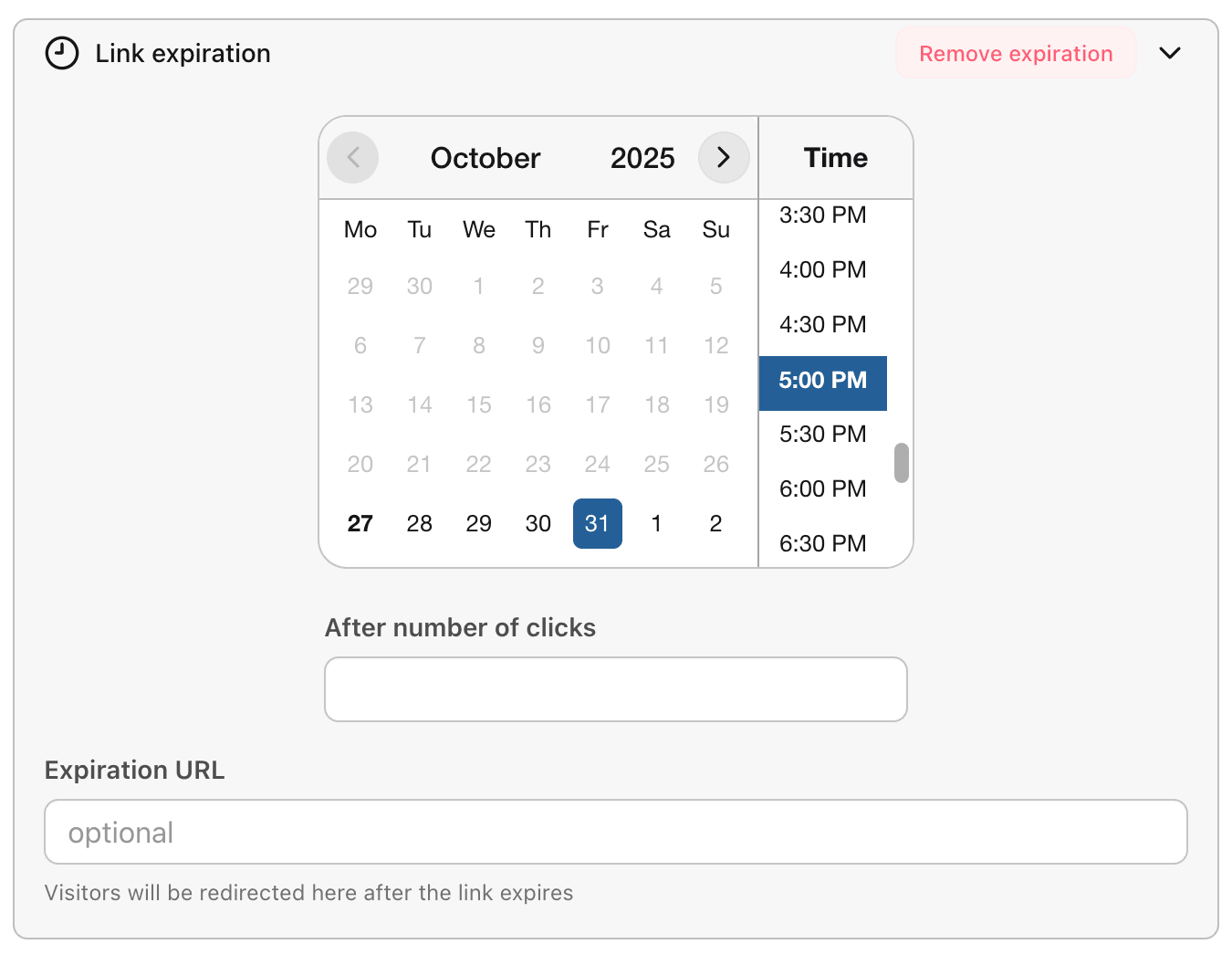
Set an expiration time, a maximum number of clicks, or both, and optionally an expiration URL where users will be redirected after the link expires.
The final number of clicks may be slightly higher due to caching.
There is a dedicated article
| Field | What it does |
|---|---|
| iOS URL | Redirects iOS users to a different link (e.g., App Store link). |
| Android URL | Redirects Android users to a specific link (e.g., Google Play link). |
A/B links allow you to split traffic between multiple destination URLs to test which performs better.
To use them, create an array where each element specifies a target URL and the percentage of traffic that should be directed to it. Each URL must be valid, and the sum of all percentages must not exceed 100%. For example, if you have two URLs with 60% and 30%, the remaining 10% of clicks will follow the default behavior or another URL if configured. This setup ensures traffic is distributed according to your defined split while keeping the total allocation within limits.
GEO links let you redirect users to different URLs based on their country.
To use them, create an array where each element specifies a country code (e.g., US, FR) and a valid destination URL for users from that country. When someone clicks the short link, they are automatically redirected to the URL that matches their location.
You can include as many countries as needed, and users from countries not listed will follow the default URL.