Dokumentácia
Features, use cases, knowledge base
Features, use cases, knowledge base
Raw Click Data provides a detailed view of individual link interactions. It lists recent clicks and includes key metrics such as:
Tracking each click gives you granular insight into user behavior and traffic sources, helping you better understand who visits your short URLs and how they engage with them.
To access Raw Click Data follow these steps:
This will display the full table of individual click records with all available metrics and filters.
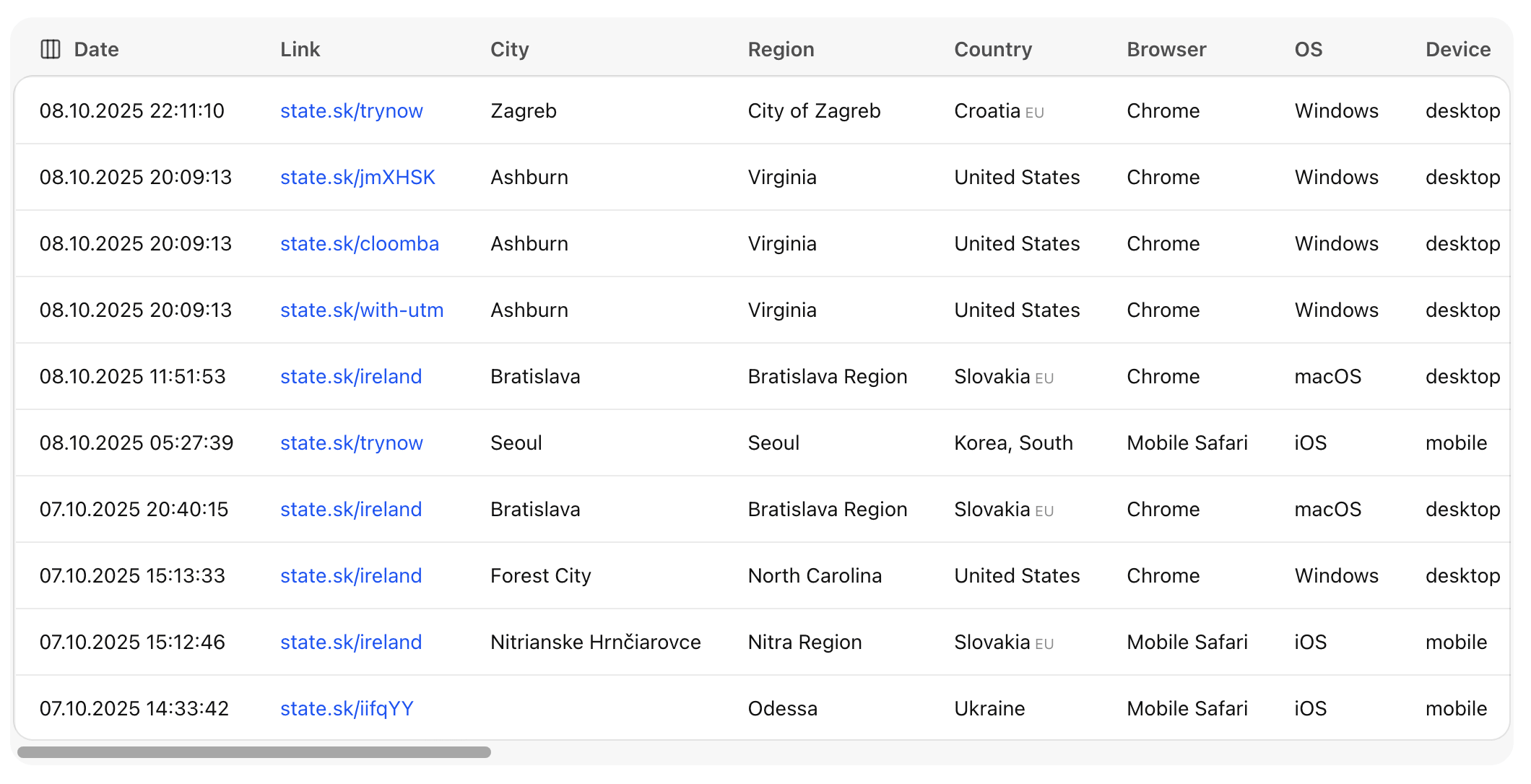
The Raw Click Data view includes powerful filtering options to help you focus on the data that matters most. You can filter by:
These filters make it easy to extract actionable insights without sifting through all clicks manually.
Raw click data is essential for marketers, advertisers, and developers who want to understand user behavior in depth. Unlike general link or domain statistics, each recorded click provides rich contextual information - revealing where the click came from and how the user interacted with your short link.
By analyzing raw click data, you can:
This data includes valuable attributes such as search terms, IP addresses, countries, browsers, and referrers, helping you build a clearer picture of your audience and optimize strategies for future campaigns.
You can customize the Raw Click Data view to focus on what matters most to you. Select which metrics to display or hide - such as location, device type, browser, or referrer - to streamline your analysis.
This flexibility helps you tailor reports to your specific goals, whether you're optimizing marketing performance, tracking technical usage patterns, or monitoring user engagement in real time.
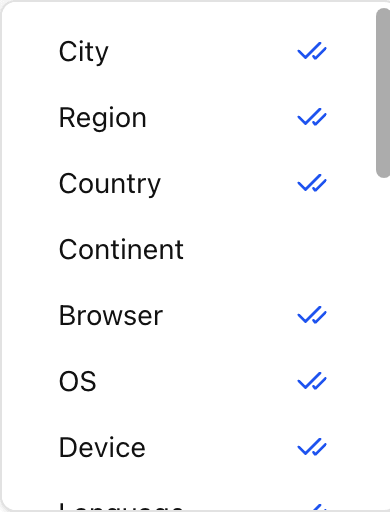
Here’s a description of each column displayed in the Raw Click Data table:
| column | description |
|---|---|
| datetime | The exact date and time when the click occurred. |
| short_url | The shortened link that was clicked. |
| city | The city from which the user accessed the link. |
| region | The state or region associated with the user’s location. |
| country | The country where the click originated. |
| continent | The continent of the user’s location. |
| browser | The web browser used (e.g., Chrome, Safari, Firefox). |
| os | The operating system running on the user’s device (e.g., Windows, iOS, Android). |
| device | The device type, such as desktop, tablet, or mobile. |
| language | The preferred language set in the user’s browser. |
| query | The search query or parameters included in the clicked URL. |
| utm_campaign | The campaign identifier from UTM tracking tags. |
| utm_source | The traffic source (e.g., Google, newsletter, social media). |
| utm_medium | The marketing channel used (e.g., email, CPC, referral). |
| utm_term | The paid keyword or search term associated with the campaign. |
| utm_content | The content variant or ad element that triggered the click. |
| utm_reference | A custom reference field for additional campaign tracking. |
| platform | The platform or environment from which the user accessed the link (e.g., web, mobile app). |
| ip | The user’s IP address, used for geographic and network analysis. |
| is_mobile | Indicates whether the click came from a mobile device (true/false). |
| color_scheme | The user’s system color preference (light or dark mode). |
| referer | The webpage or source that referred the user to the short URL. |
| url | The original destination URL the short link redirects to. |
| brand | The brand or label associated with the short link, if applicable. |