Documentation
Features, use cases, knowledge base
Features, use cases, knowledge base
Use webhooks to get real-time notifications about events happening in your workspace.
With webhooks, you can build custom integrations with your CRM and automate various tasks.
A webhook is a POST REST API call with a payload that depends on the event.
By default, you’ll receive data in JSON format. However, if you provide a Slack URL, we’ll format the message to display essential information in a clean, readable way.
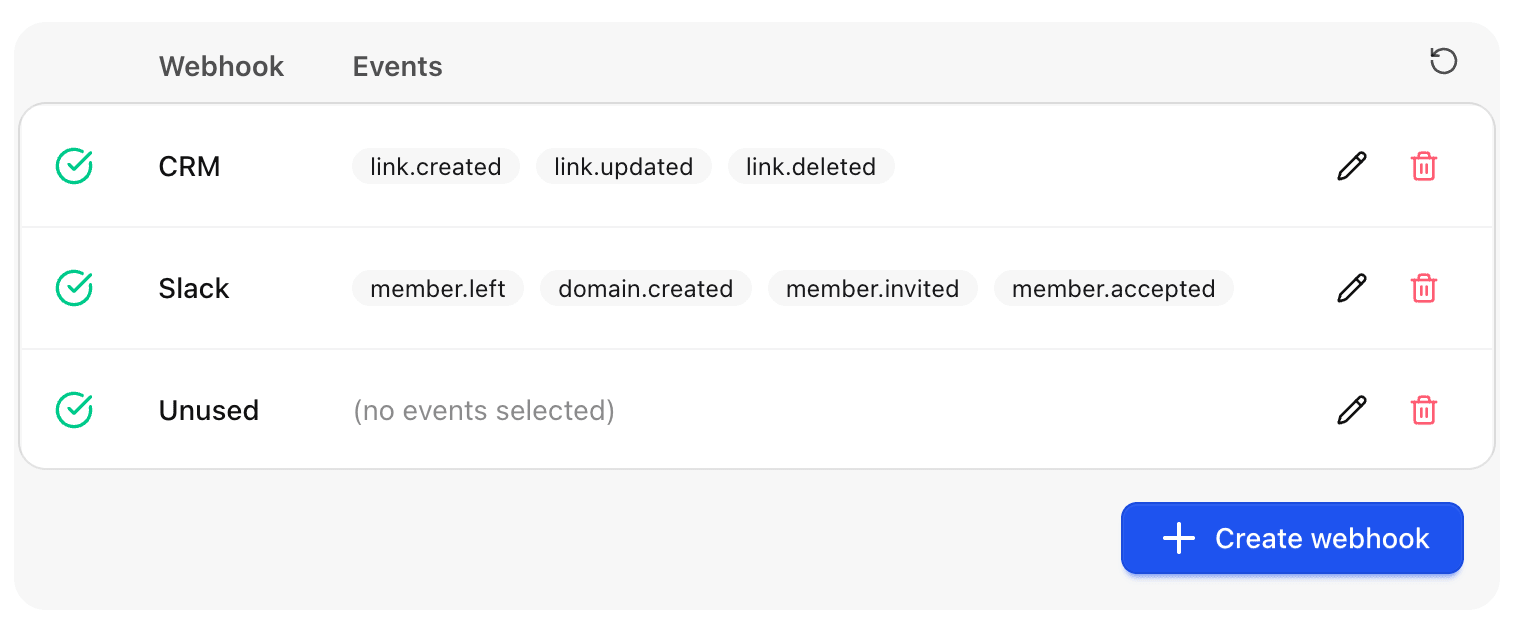
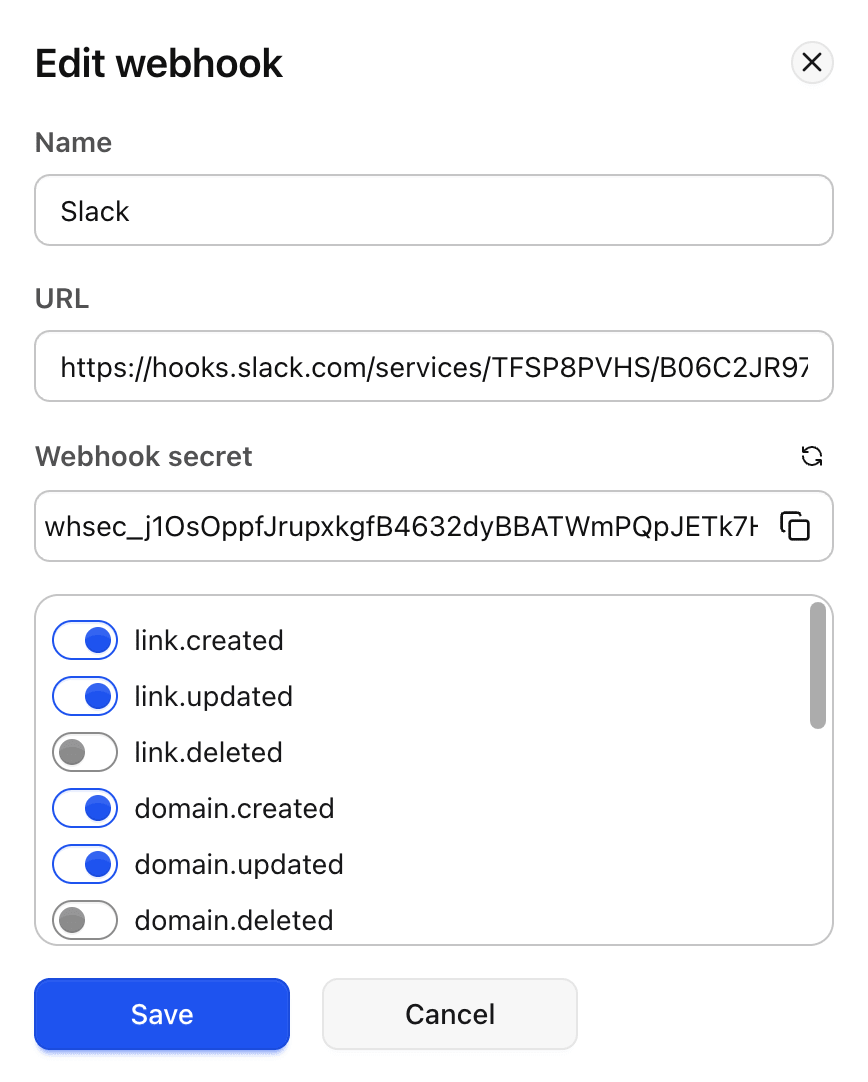
Fill out the form with the required information:
| You can review the latest log events by clicking the bug icon. |
You can view the event name, date and time, status, and request/response details.
We keep log data for one week, which should be sufficient to identify any issues with the webhook data.
If your webhook endpoint does not respond with a success status code (2xx), we retry the request to ensure every message is delivered. We make 5 attempts in total using exponential backoff.
If the error persists, the webhook will be marked as failed and will not be used by our service.
Once you identify and fix the issue, simply open and save the webhook — the failed flag will be removed, and the webhook will become active again.