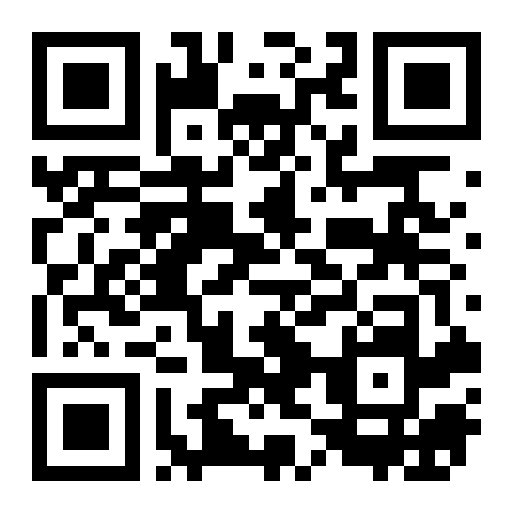
Example
<img
src="https://state.sk/trynow.png"
alt="https://state.sk/trynow"
className="size-64"
/>
Features, use cases, knowledge base
First of all - QR codes are completely free on any plan.
State provides multiple ways to obtain a QR code for your short links.
By default, you will see a simple black-and-white QR code. You can download it in SVG or PNG formats. It has a resolution of 512×512 pixels, which provides good quality and a reasonable file size.
You can switch to advanced mode and design the QR code as you like:
Say your short URL is https://state.sk/trynow
To quickly get a QR code for any short link, simply add an image extension at the end of the URL (e.g., .png or .svg). Example:
https://state.sk/trynow.png → returns a PNG QR code
https://state.sk/trynow.svg → returns a SVG QR code
Use on the web:
<img
    src="https://state.sk/trynow.png"
    alt="https://state.sk/trynow"
    className="size-64"
    />
Pretty neat, clean, direct, and user-friendly. 👍
You don’t even need to download it -
just use the link wherever you want: on a website, in a newsletter, etc.