Dokumentation
Features, use cases, knowledge base
Features, use cases, knowledge base
You can easily import a list of links using a CSV file. The process includes:
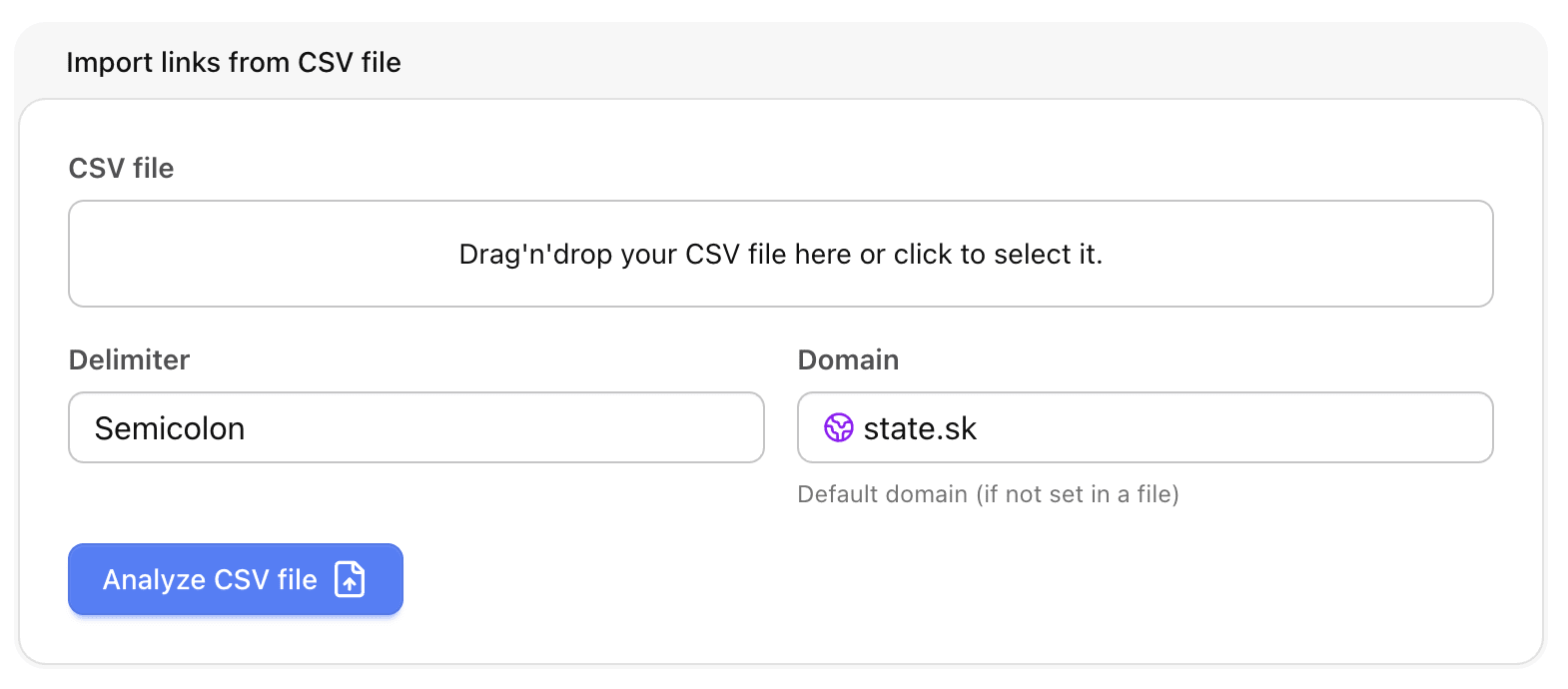
Each line in the import file must contain at least one original URL.
Optionally, each line may also define how the short URL should look:
| Format | Description |
|---|---|
| original_url | Uses default domain and random slug |
| original_url;short_url | Full short URL provided (e.g., https://example.com/slug) |
| original_url;domain;slug | Custom domain + slug (letters/numbers only) |
| original_url;domain | Custom domain with random slug |
| original_url;slug | Default domain + provided slug (letters/numbers only) |
Example file:
https://mediavibes.app
https://localize.to;https://state.sk/localize
https://whitetown.sk/c?ref=state&source=import;state.sk;castles
https://avatarmaker.mediavibes.app;state.sk
https://www.whitetown.com/products/;dbftools
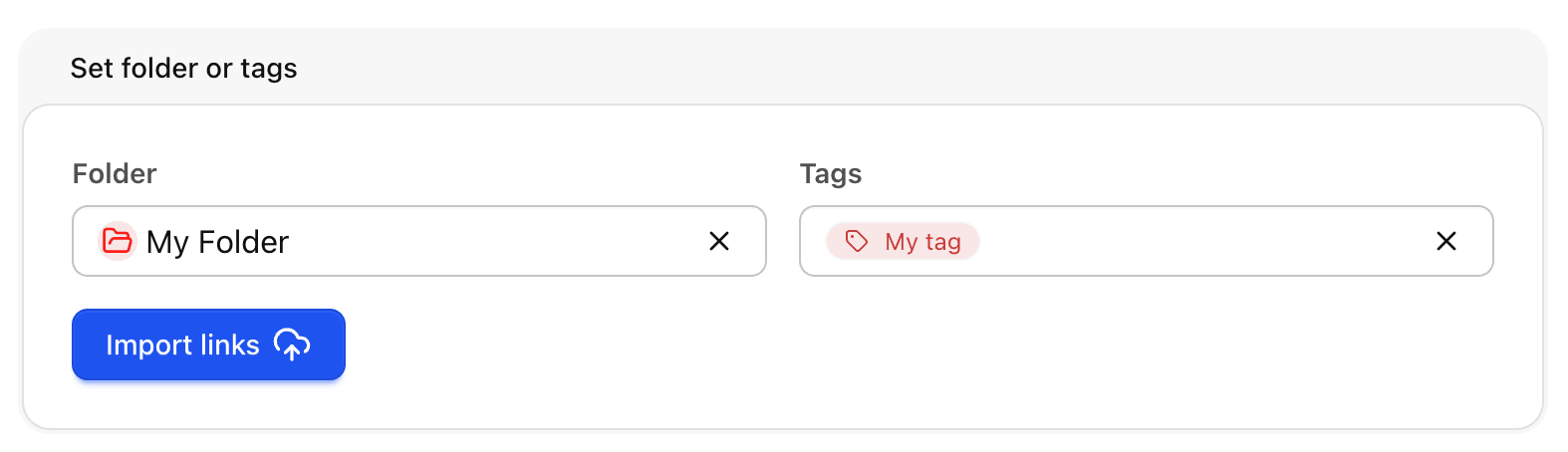
Tip: Ensure your CSV is properly formatted with the correct separator to avoid import errors. You can assign multiple links to the same folder or tags during import for easier organization.