Documentazione
Features, use cases, knowledge base
Features, use cases, knowledge base
The list of short links displays essential information about each link:
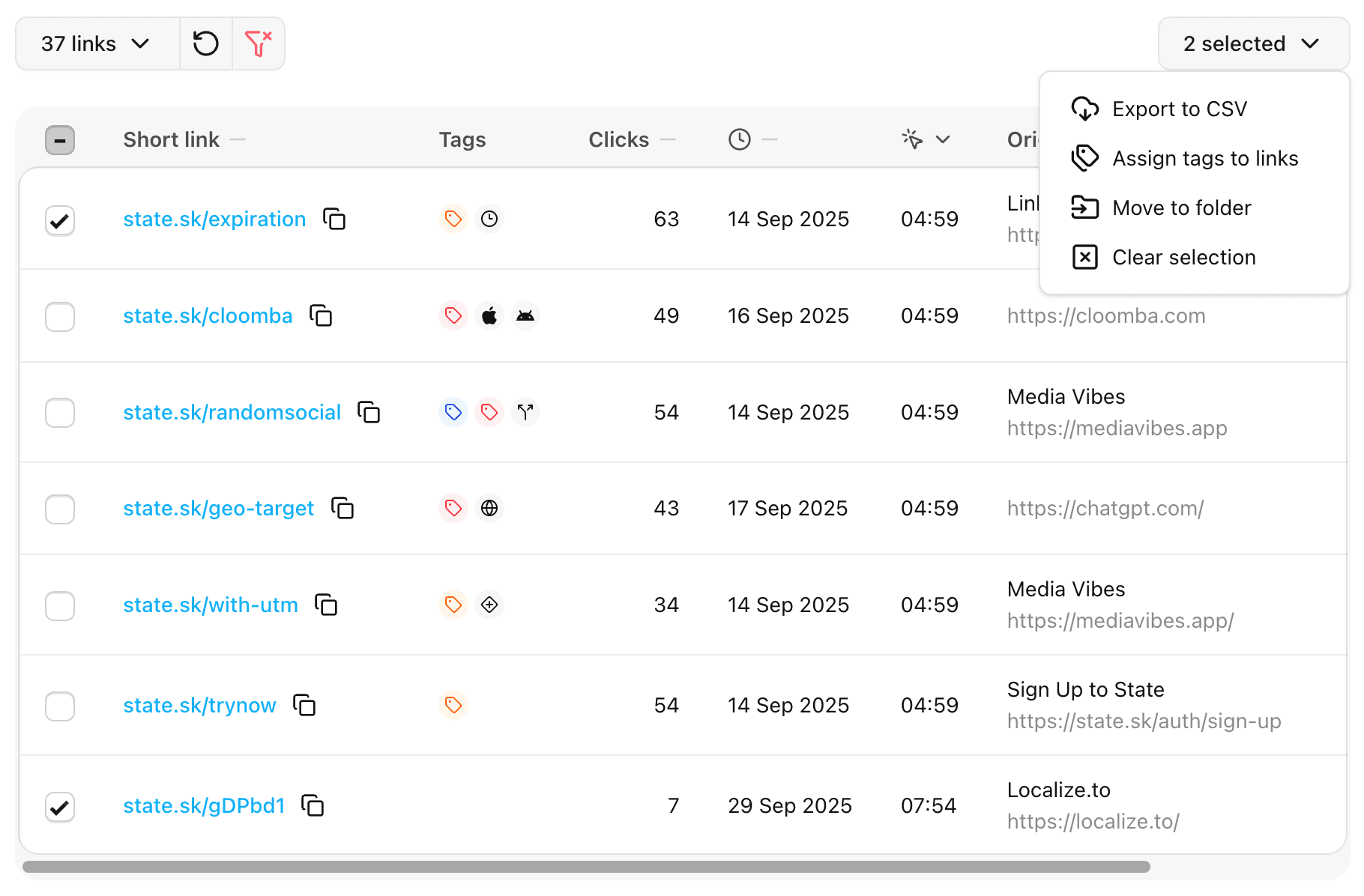
| Icon | Meaning |
|---|---|
| Contains UTM parameters | |
| Has expiration rules | |
| Password protected | |
| Includes a mobile iOS link | |
| Includes a mobile Android link | |
| Contains A/B links | |
| Contains GEO links | |
| Has user-defined tags |
Click on a link to open its details page, where you can view and modify all settings.
Alternatively, click on the chart button to open the analytics page for that link.
You can change the display order by clicking on a column header. Clicking again toggles the order between ascending and descending.
You can select multiple links on the page and perform actions on them:
For convenience, you can also search and filter the list by domain, folder, or tag.