.env
STATE_API_KEY=state_xxxxxxxxxx
APIs that can be used to work with State programmatically
API keys in State let you programmatically access your team workspace, making it easy to integrate State with your application or other tools and services.
Each API key is linked to a specific team, ensuring access is limited to that team’s resources and cannot be used for other teams.
API keys in State use the following format:
By default, this key allows unrestricted access to all API requests, so it should be stored securely in your server-side code (e.g., in an environment variable or credential management system).
Never expose it on a public website.
You can create API keys in your Team profile. Login and navigate Team => API Keys
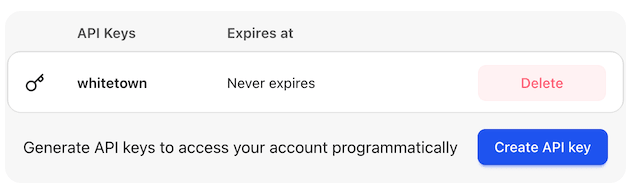
Click the "Create" button, name your key and set the expiration period. Copy your API key and store it in a safe place. You won’t be able to see it again.
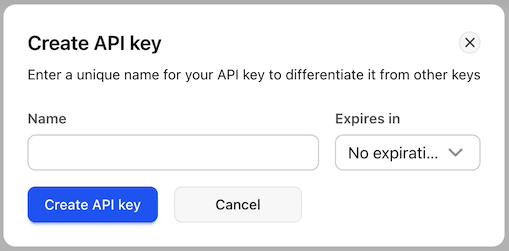
You can now use the API key to programmatically access your team workspace’s resources through the API.
If an API key is deleted or has expired, it can no longer be used to make API requests.